
-
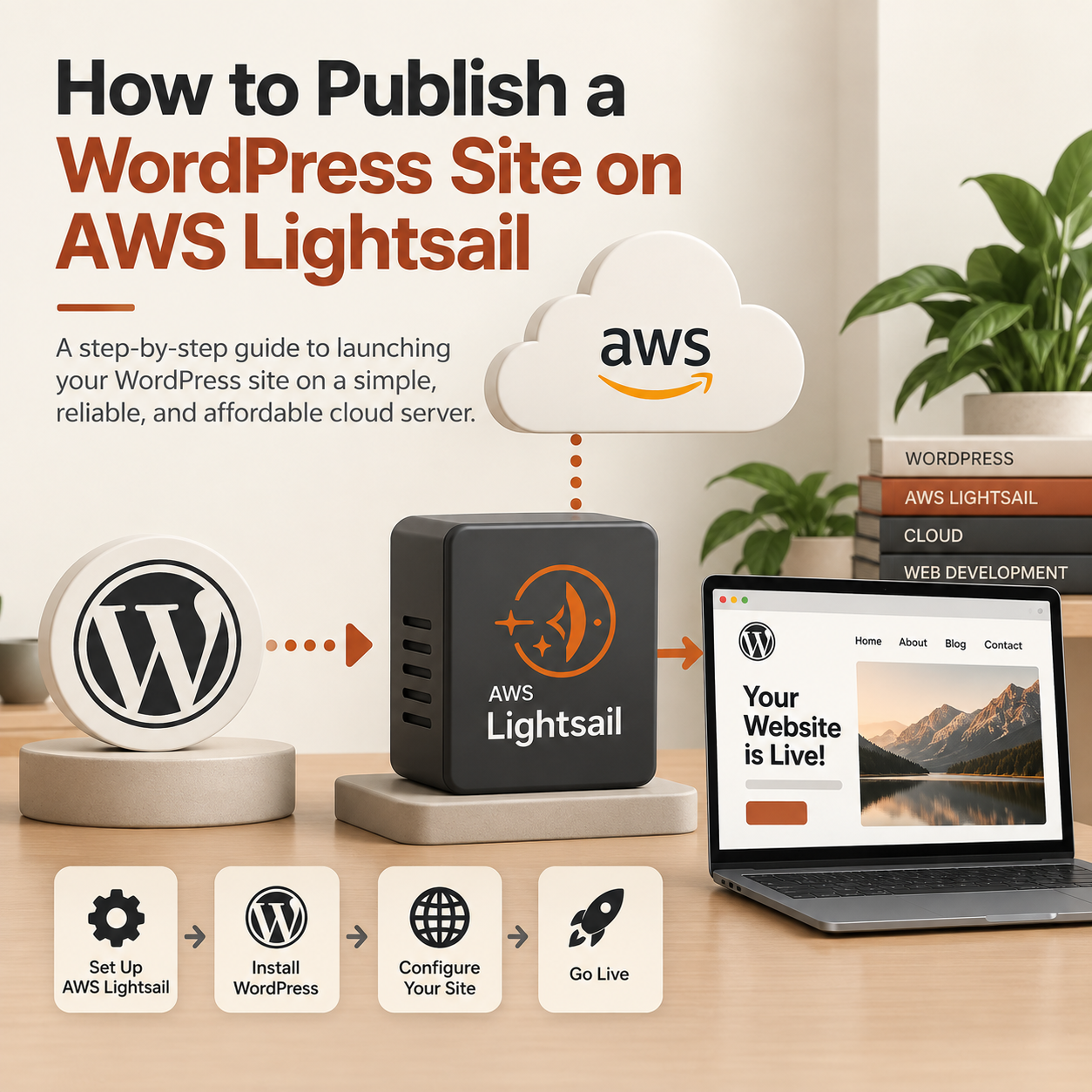 Read more: How to Publish a WordPress Site on AWS Lightsail
AWS Lightsail is one of the easiest and most cost-effective ways to host a WordPress site in the cloud. It strips away the complexity of traditional AWS setups while giving you dedicated virtual private server (VPS) performance starting at just a few dollars a month. Here is a streamlined guide to launching, configuring, and publishing your WordPress site using Lightsail. 1. Launch Your Lightsail Instance First, create your virtual server using AWS’s pre-configured WordPress blueprint, which is packaged by Bitnami. 2. Retrieve Your WordPress Credentials Once your instance status changes to Running, you need to fetch the admin password generated…
-
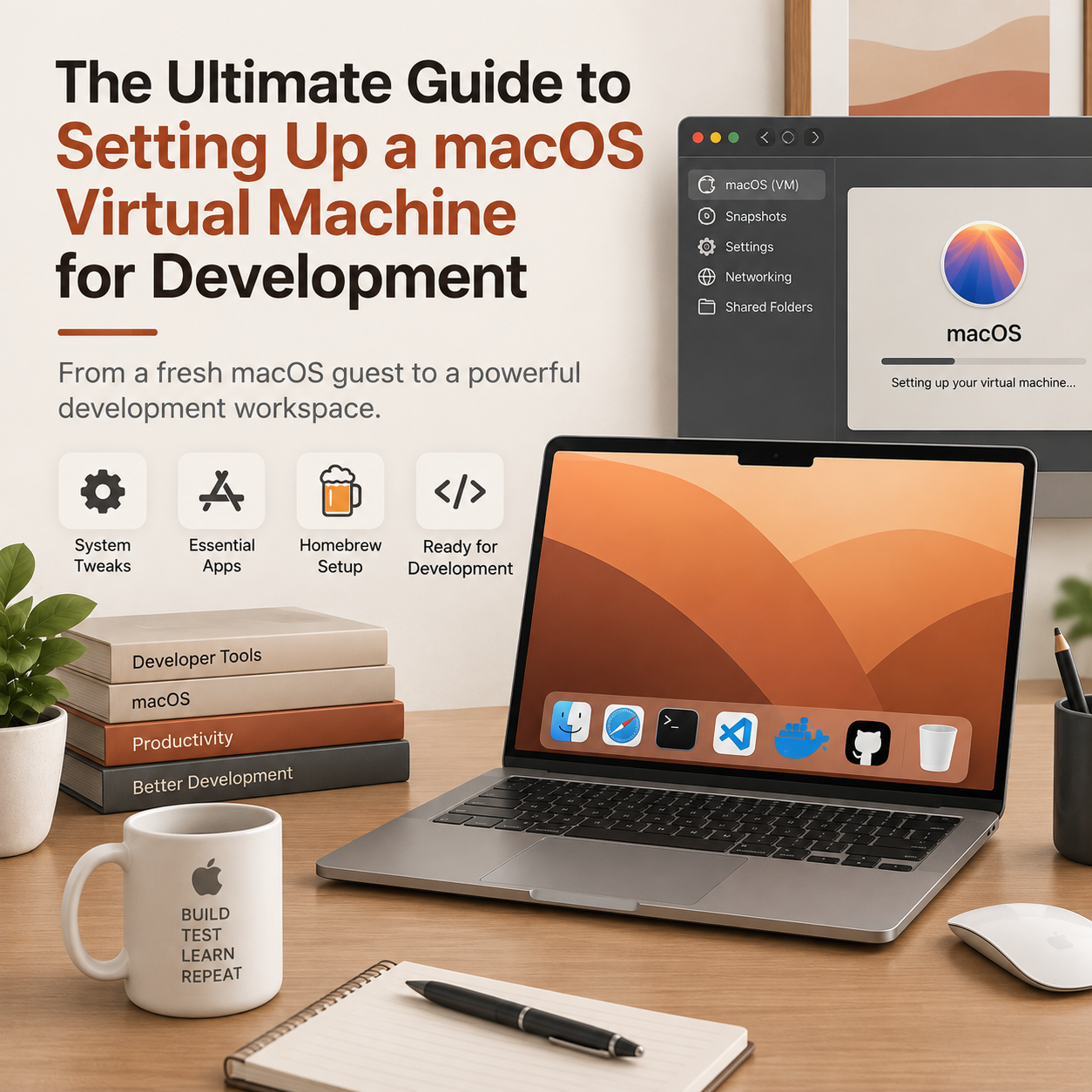 Read more: The Ultimate Guide to Setting Up a macOS Virtual Machine for Development
Setting up a macOS Virtual Machine (VM) is an excellent way to test installation scripts, safely evaluate raw tools, or isolate sandbox environments. However, a default macOS guest OS feels sluggish and bare-bones right out of the box. Here is the essential checklist of system tweaks, essential applications, and core Homebrew configurations to turn a fresh macOS VM into a highly functional workspace. 1. Core System Tweaks (Boost Performance) Before installing software, you need to strip away heavy UI animations. Virtual machines usually lack full GPU hardware acceleration, making macOS animations feel incredibly laggy. 2. Essential GUI Apps to Install…
Designed with WordPress